Safety Features
Filter harmful content in any app
Safety that works everywhere. Block or filter content across all apps, not just a select few.
Parent your way with customisable filters
Adjust safety features as they grow, so freedom increases at the right pace, one phone from ages 10-16+.

Manage screen time and app access
Protect your child’s time and attention by choosing when apps are available. Set schedules, add time limits, or block them altogether.
Only the websites you want
Whitelist, blacklist, or block websites - plus the option to disable the web browser for extra safety.

Filters content without banning apps
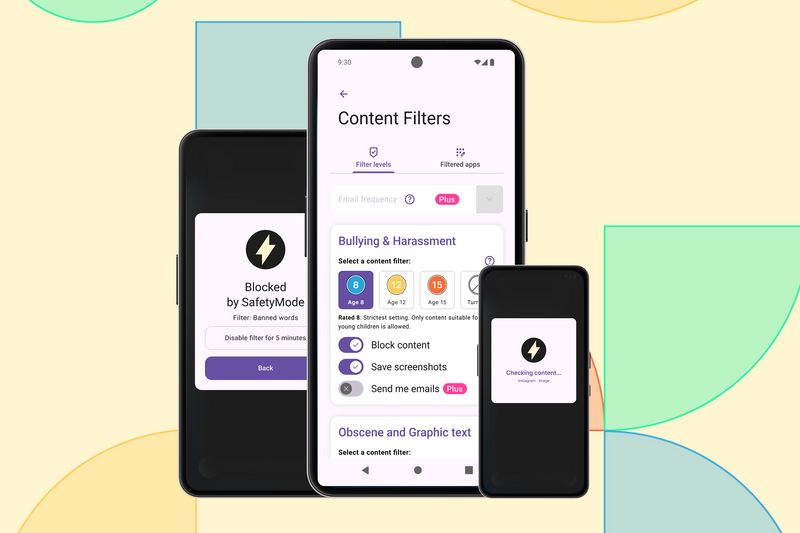
Harmful material is hidden in real time, including nudity, explicit language & adult content.
Location tracking as standard
Choose to track your child’s location remotely, updated every 15mins.

Make life easier with SafetyMode Plus
Reports & Alerts with SafetyMode Plus
Receive notifications and alerts direct to your Google email account when harmful content has been detected.

Remote Access with SafetyMode Plus
Adjust content filters and app controls remotely - all from your own device.
Download our free
Online Child Safety Guide
30 pages of expert advice from Mumsnet & SafetyMode on all the risks children face online and what parents can do to keep them safe.


What Is the Difference Between Live Content Blocking and Web Filtering, and Which Is Safer for Children?
Read article
SafetyMode vs Kids360: Why Blocking Apps Isn't the Same as Keeping Kids Safe Inside Them
Read article